Choose what you want to manage
Discuss whether remote alarm control, camera viewing, or supported notifications would help your operation.
Remote Security Management
Remote management can help authorized users check supported security functions without standing at the control panel.
Let’s Talk About Your Business ↗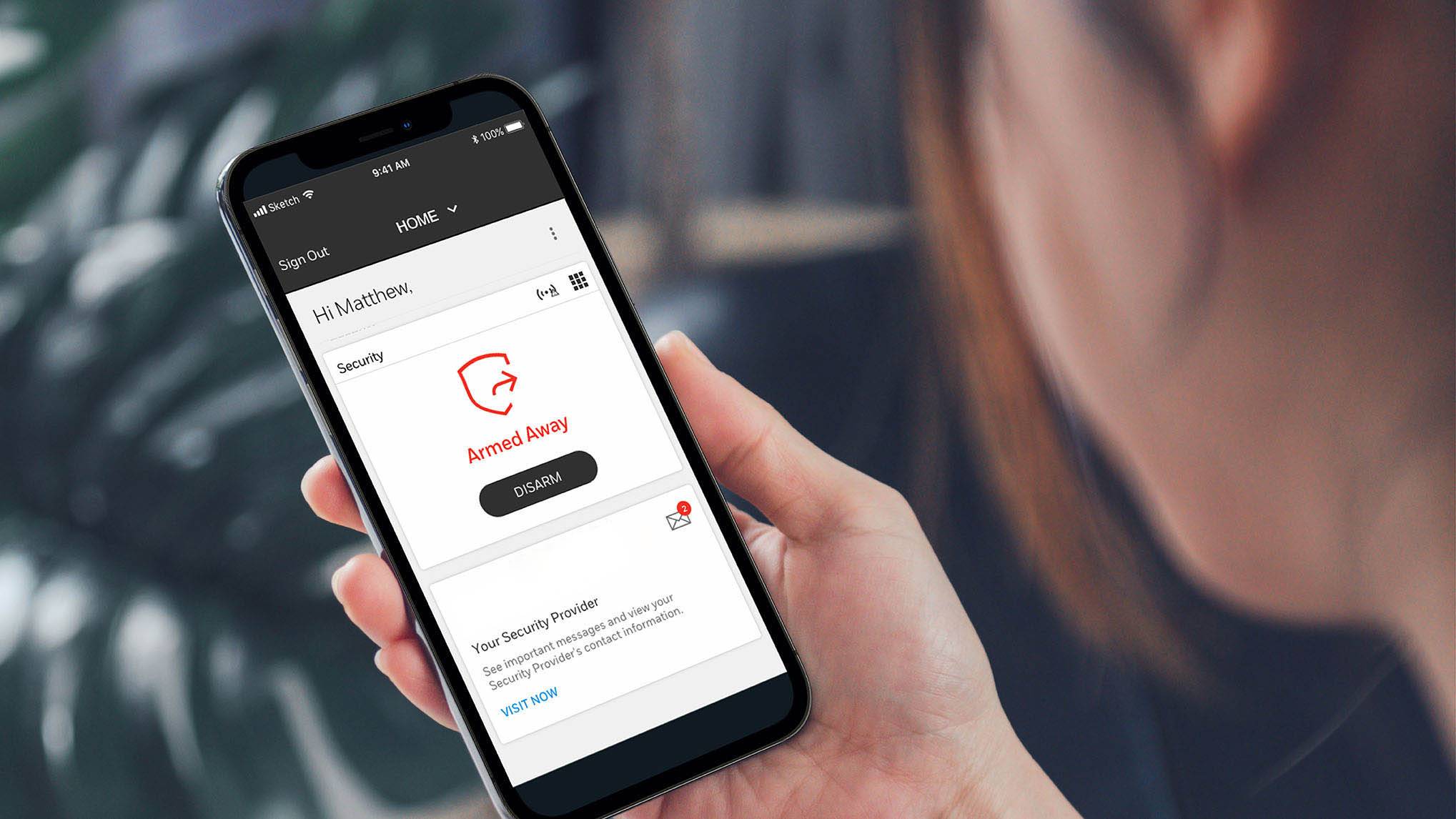
How it works
Discuss whether remote alarm control, camera viewing, or supported notifications would help your operation.
Review the devices, connection, accounts, and service plan required for those functions.
Learn the available controls and notifications and decide who should have access.
What it does for your business
Use supported tools to check selected security functions while away.
Discuss notifications that help the appropriate people stay informed.
Plan who manages access when employees join, move roles, or leave.
Let’s talk through the details
Ask which remote features are available, how accounts are secured, and what happens when the connection is unavailable.
Equipment, features, availability, pricing, and service terms depend on your property and selected plan. We’ll explain the options before you decide.
No. Remote functions depend on compatible equipment and the appropriate service plan. The team can explain supported options.
Ask about separate user accounts and permission levels for your selected system. Plan access around each person’s responsibilities.
Let’s plan your protection
Tell us about your people, your property, and your priorities. We’ll help you find a practical next step.